How many messages do you receive daily via email, text, and messaging apps? More importantly, how many messages contain important information requiring action? Most likely, not very many.
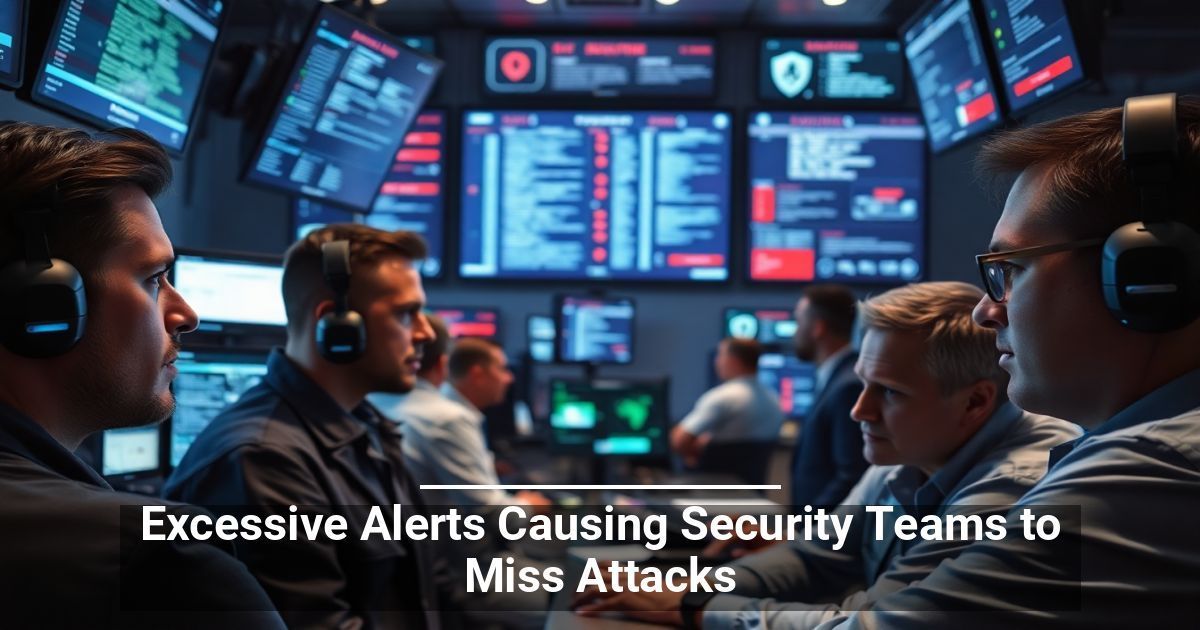
Message overload plagues nearly everyone in work and personal life, and it’s become a real problem for cybersecurity professionals who use multiple tools for cyber threat detection and response. Receiving excessive alerts makes it more challenging to determine which ones require immediate response and which are less of a priority.
The issue of excessive alerts has many teams worried about their threat response and whether they’re missing actual attacks. A recent report revealed that over 70% of cybersecurity professionals worry about missing a real alert, and half believe the deluge of alerts is impossible to keep up with.
Why has alert management become so untenable, and what can your team do about it?
What’s Behind the Problem of Excessive Alerts?
The primary reason cybersecurity teams find themselves buried under excessive alerts is tool sprawl. As businesses scramble to address cybersecurity challenges, they adopt new security tools—in some cases, as many as ten or more different programs. When all of these tools issue real-time alerts to issues, it’s easy to see why teams quickly become inundated with them.
Researchers note that most professionals spend up to two hours per day reviewing the automated alerts that clog their inboxes, only to find that a small number contains information about “real attacks.” Ultimately, the tools that make their jobs easier take longer since teams must investigate the reports to determine the correct action.
Some security practitioners blame vendors when addressing the issue of excessive alerts. There’s speculation that many tools issue automated alerts merely to reduce their liability in the event of a breach. In other words, if the tool delivers an alert, the program does its job, and the security team is responsible for not taking steps to mitigate the threat.
Managing the Excessive Alert Issue
It’s important to note that cybersecurity teams are not ignoring alerts. The issue is that they receive so many that it’s impossible to investigate all of them, and a breach can occur while they’re busy addressing the inconsequential alerts.
One solution that’s gaining considerable traction is AI. Implementing AI tools that can automate responding to alerts and identify those requiring human intervention can help reduce the burden on security teams and improve results.
Although AI shows considerable potential for improving threat detection and response, excessive alerts have created a trust issue between security vendors and IT professionals. Considering that almost 90% of businesses report that they want to increase their investment in AI tools, vendors will have to prove that the improved options not only focus on reducing alert fatigue but also add value beyond the technology.
Used with permission from Article Aggregator