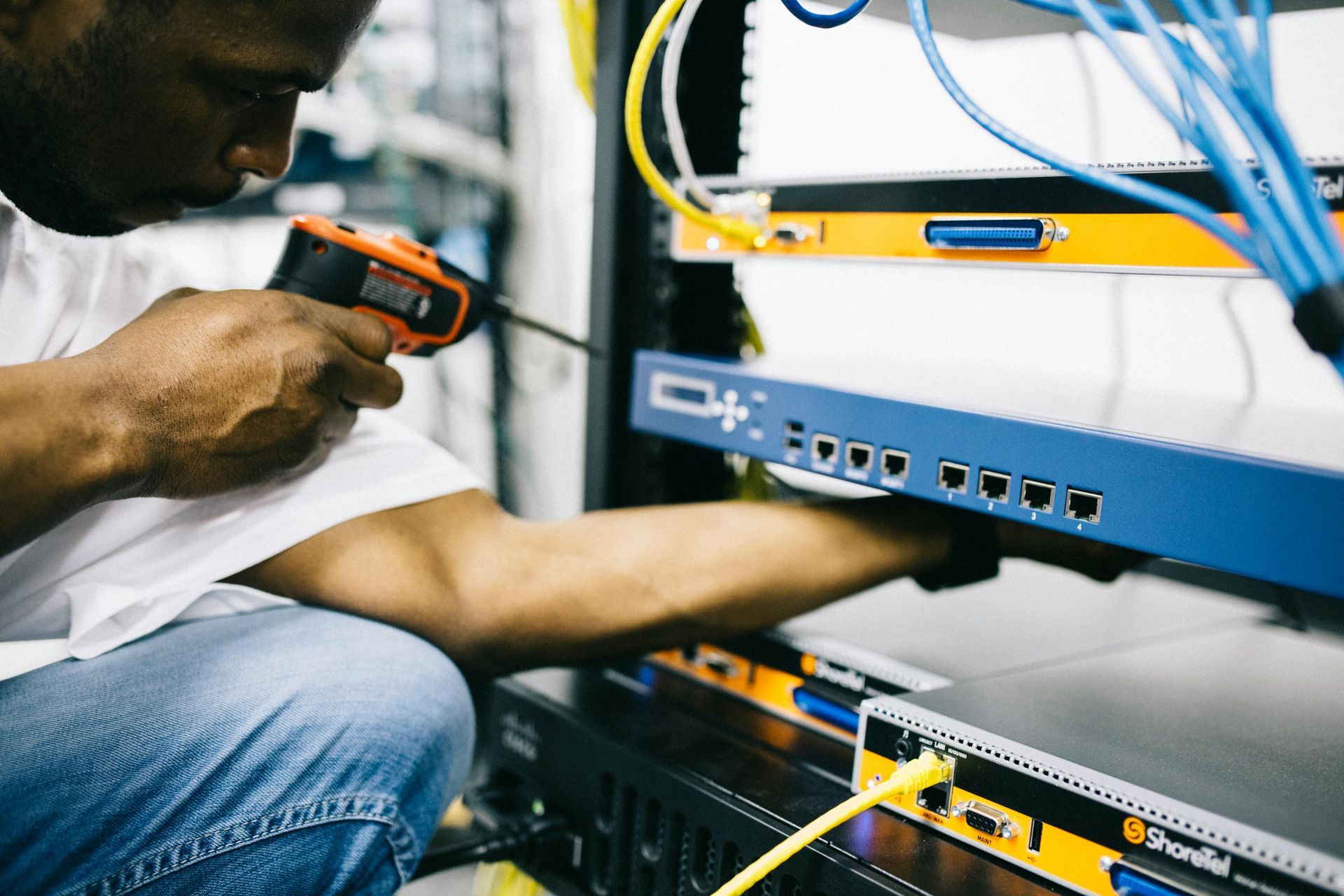
Running a business is not like it used to be. You don't need all employees gathering around a large desk during a presentation, all workers living within the same city, or even workers coming in for work every day. Thanks to technology's role in enhancing business collaborations, communication efforts are at their peak at a time when physical distance could not be more of a factor.
Increased Communication and Productivity
Sometimes, the biggest challenge is working on time to open customer phone lines, attend an important meeting, or start other daily processes. By letting your employees work remotely, they no longer waste company time stuck in traffic, holding up other workers who depend on them.
With mobile devices like smartphones and laptops alongside a strong 5G network, employees can communicate seamlessly from any location while avoiding physical obstacles. Real-time conversations encourage synchronized task management for prompt decision-making, resulting in less company downtime and more productivity.
Better Collaboration Tools Online
However, when you communicate and collaborate virtually with co-workers and employees, having the right online tools can help make each online conversation more successful.
For instance, if you're hosting a Zoom meeting, artificial intelligence can summarize the conversation thus far for anyone who needs a quick recap or missed anything. AIs also highlight deadlines, task distributions, and other key factors mentioned throughout the conversation. Moreover, AIs can be expected to auto-adjust sound and video quality for the best experience and most accurate relaying of information.
You can also communicate sensitive information like data and documents via a secure internet connection. That way, teammates won't have to rely on retrieving a hard copy when they can view shared online files in seconds. Because these files update in real time, never worry about your employees receiving outdated copies or wasting time catching up on recent changes.
More Cost-Effectiveness During Collaborations
No matter what collaboration tools you use, from file-sharing and storage platforms to video conferencing tools, all virtual efforts prove technology's role in enhancing business collaborations is also about cost-effectiveness.
Suppose your company does business with shareholders in other cities or countries. In that case, traveling may be a regular thing for you and many employees. You pay for transportation alongside other expenses like hotel rooms and business travel insurance for emergencies and mishaps. Luckily, developing a virtual work environment eliminates these costs since face-to-face contact is no longer necessary.
Virtual meetings also mean you don't have to pay to:
- Cater the event by providing snacks or drinks for employees, saving money on lunches and refreshments
- Hire people to set up physical conference rooms or technicians to fix projectors and other devices within it
- Put down a security deposit or pay for a venue when renting a conference room
Technology's role in enhancing business collaboration has a hand in improving workflow and communication and revolutionizing businesses. So, if you're considering keeping or implementing a hybrid or fully virtual work experience for employees, consider these and the many other benefits today!
Used with permission from Article Aggregator