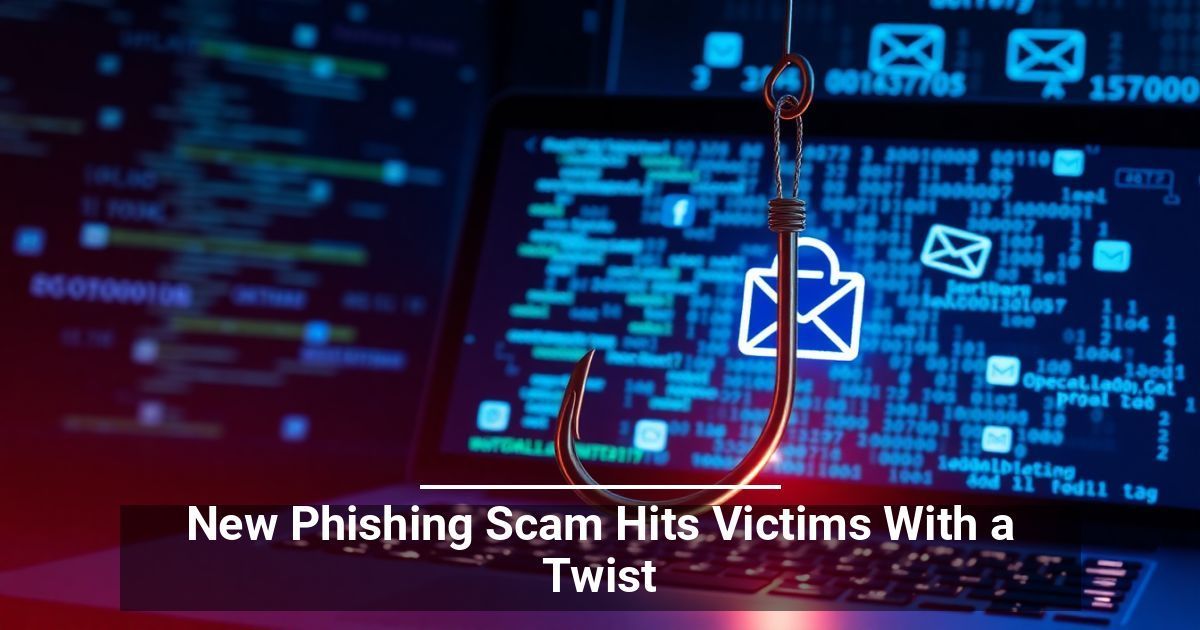
Just how safe is your establishment from online threats? A new phishing scam is making waves and targeting US-based organizations. Learn more about it here so you can bolster your defenses.
What Is Phishing?
Phishing is a cyberattack that tries to trick you into giving away information by posing as a legitimate entity. In this particular case, security specialists from Check Point warn that the threat actors are posing as a US-based firm looking for partners, suppliers, or vendors.
They first buy abandoned or dormant domains with legitimate business histories to appear authentic. After disguising themselves with their new identities, they reach out to potential victims through their "Contact Us" forms or other communication channels on their website instead of the standard email-based attack.
Creating a False Sense of Security Through Social Engineering
Cybercriminals would normally send emails with malicious links or attachments immediately after initial contact, but these particular attackers take a slower approach.
They build a rapport, often going back and forth for weeks, until they finally request the victim to sign a digital NDA. This archive contains several documents: a clean PDF and a DOCX file to throw the reader off, plus a malicious file that triggers a PowerShell-based loader.
Once opened, the loader deploys a backdoor malware called MixShell. As the name suggests, it creates a hidden, unauthorized entry point that bypasses standard security measures. This breach allows attackers to steal data, modify files, install more sophisticated malware, and even take over the whole system.
How Businesses Can Mitigate Phishing Risks
This new phishing scam should serve as a wake-up call for every company. We recommend implementing the following proactive steps.
Raise Cybersecurity Awareness in the Workplace
Human error fuels most phishing scams. Uninformed or distracted team members often click malicious links without thinking, and a moment's carelessness can open the door to a devastating data breach.
Train everyone, from managers to entry-level employees, to detect red flags, including:
- Generic greetings like "Dear Customer" instead of a specific name
- Poor grammar, spelling mistakes, or unusual formatting in the message (harder to spot in today’s AI landscape)
- Email spoofing, where the sender's name or email address appears legitimate, but the actual domain is suspicious
- High-pressure language that urges immediate action, such as threats of account suspension
Invest in Antimalware Software
While modern operating systems and devices come with built-in defenses, they can't stop every advanced threat. The best software options feature sophisticated tools, including real-time scanning, automatic updates, and ransomware protection.
Use Multi-Factor Authentication (MFA)
Credential theft is becoming more common. When the worst-case scenario occurs, and criminals manage to steal login details, having MFA can save the day.
Securing Your Digital Future
Cyber threats like this new phishing scam aren't slowing down. Take action to protect your business. Strengthen your defenses, implement MFA, and stay proactive. These small steps today could prevent major losses tomorrow.
Used with permission from Article Aggregator