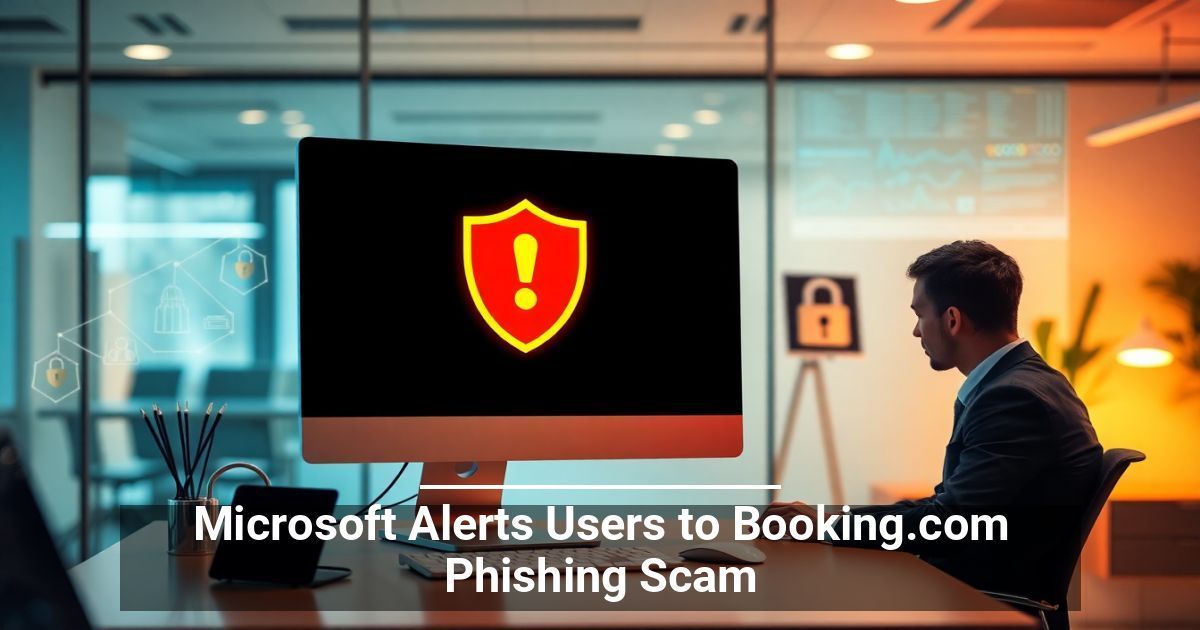
If you own a hospitality-related business, beware: Microsoft just warned of a new threat. Cybercriminals are ramping up attacks using messages that appear to come from Booking.com. The phishing scam gives them access to steal customers’ payment and personal data, which can mean big trouble for your company if it falls victim to an attack.
The Latest ClickFix Campaign Targets Hospitality Businesses
A new report from Microsoft Threat Intelligence reports that a phishing campaign called ClickFix aims to steal data from hotels and other hospitality businesses worldwide. Hackers send emails using Booking.com branding about guest reviews and account verifications. These messages direct the recipient to click a link to a fake CAPTCHA puzzle and an error message.
That error message also includes a solution, which, when deployed, installs malware that steals login credentials. The hackers then get unfettered access to your system, where they can intercept payments, steal customer information, and even manipulate reservations.
What makes these attacks so dangerous (and effective) is that the scammers do not just send out generic, easy-to-spot fake emails. They also plan to impersonate Booking.com with alarming accuracy.
Why You Need To Stay Alert to This Threat
The hospitality industry relies on trust. If guests learn that a cyberattack on your business compromised their personal and financial details, expect negative reviews, lost bookings, and potential legal consequences. In addition, a ClickFix attack can drain your finances since hackers can reroute payments, steal deposit funds, and create operational chaos that takes months to fix.
How To Protect Your Business From the Booking.com Phishing Attacks
Cybercriminals impersonating Booking.com to attack hospitality businesses are a powerful reminder of how they exploit trust and urgency in their efforts to commit fraud. However, you don’t have to be an easy target.
Educate Your Staff
Train employees to recognize phishing attempts in their emails and on other platforms, like Microsoft Teams, including messages with grammatical errors or typos and a sense of urgency. Make sure they know to double-check the full URL of links in messages, avoid clicking links in unexpected emails, and confirm messages with management before responding to suspicious messages.
Verify Every Request
Don't click the link if you get an urgent message about a booking issue. Instead, log in to your Booking.com account online to verify claims.
Monitor Your Systems and Upgrade Security
Work with your IT team to strengthen cybersecurity measures. Constant monitoring to watch login attempts and catch unusual activity and email filtering to block messages from known phishing domains can stop attacks before they start.
Stay Alert To Ongoing Threats to Your Business
The ClickFix phishing campaign directly threatens the hospitality industry, but awareness is your best defense. You can protect your business, guests, and reputation by staying informed and up to date with Microsoft warnings, training employees, and tightening security.
Used with permission from Article Aggregator