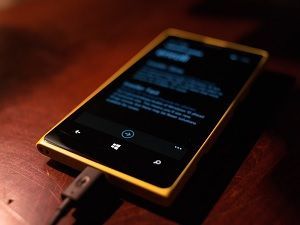
Microsoft initially had grand ambitions where smartphones were concerned.
The company invested billions in their quest to create a phone that ran on Windows 8 (and later, Windows 8.1). That was all in a bid to carve a niche for itself in a market dominated by iOS and Android.
That plan never bore much fruit.
Although the company sold some Windows-based smartphones, they were never able to penetrate the market deeply enough to establish a strong foothold. After a few years of trying, the company quietly retreated from the market.
That's bad news for anyone who owns a Windows 8 or 8.1 smartphone. Recently, the news got a little worse. Microsoft has announced that there will be no further app updates from the Windows store for those devices.
This is sad news, but hardly a surprise. The company formally announced the end of support for Windows-based smart phones back in July of 2017. Since then, the owners of those devices haven't received any security updates or other fixes. This then, is a natural extension of a policy already well on its way to being fully executed.
As for the owners of the phones, they don't have any recourse except to retire the phone and buy something new in the Android or iOS ecosystem. Even if you own a Windows 8 phone that's capable of running Windows 10, your device will still be on borrowed time, so it may not even be worth the effort to upgrade. Microsoft has already announced that Windows 10 support for mobile devices will be coming to an end.
All that to say, the clock is ticking, and app developers have seen the writing on the wall. Many of them have already called a halt to further development of Windows-based apps. The time to upgrade is now.
Used with permission from Article Aggregator