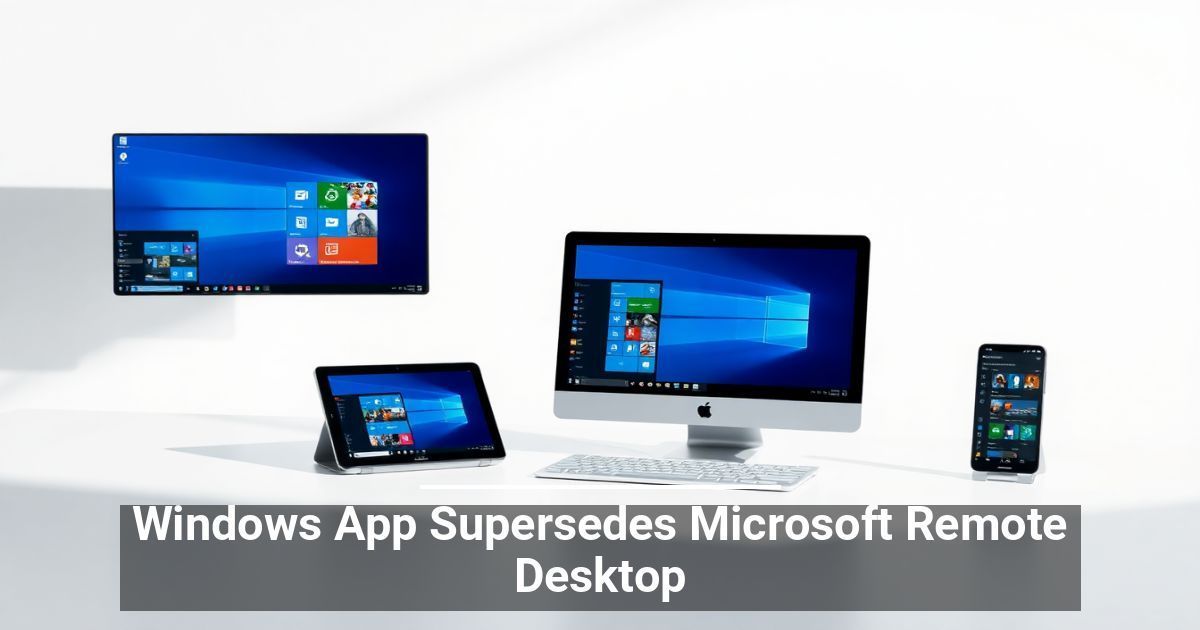
Working remotely is about to change for anyone who uses Microsoft Remote Desktop to access the Windows platform. The software giant announced the introduction of a Windows App as a Remote Desktop replacement. App users can now access the Windows platform and its programs as if they are using a cloud PC, regardless of what kind of device they’re on.
Microsoft touts the new Windows App as a secure gateway to connect to the operating system from any device. The new app provides cloud-PC connectivity and cross-platform support, whether you use Windows 365, Remote Desktop, Azure Virtual Desktop, or Microsoft DevOps. The goal is to consolidate services for easier account switching and simplify IT service management, specifically in terms of device oversight.
New App Aims To Improve Productivity
Microsoft reports that consolidating remote access into the unified Windows App product can help improve productivity. It allows anyone to work from anywhere, regardless of their device, and enjoy the total functionality of cloud-PC connectivity. Users enjoy one streamlined interface to connect to Windows across multiple platforms.
Windows App allows you to create a custom home screen to stay organized and quickly access programs and files. It also provides multi-monitor support and USB redirection, so you can use peripherals as you would when logged into a connected PC. This includes equipment like webcams, external storage, and printers.
Microsoft isn’t sacrificing security in the name of convenience with Windows App. The new product includes robust security features, such as multi-factor authentication, so you can securely connect to a cloud PC and work from anywhere confidently.
Some Users Have Concerns About Windows App
Although Microsoft is excited to introduce Windows App, some users are more apprehensive about the change and transition from Remote Desktop. For example, the new app’s Windows 365 integration means replacing that familiar product, causing some concern among IT professionals.
The new app’s name is also sparking frustration among users. They argue that it’s too similar to other products and confusing. The issue is especially concerning for individuals seeking help with Windows applications since so many products have similar-sounding names, making finding resolutions to problems more challenging.
Still, some users argue that changing the name from Microsoft Remote Desktop to Windows App makes sense for Apple and Android users since it connects them to a Windows-based cloud PC. The new name is clearer and more accurate.
Getting the New App
Currently, suppose you’re using Windows on the web. In that case, you don’t have to do anything to access the new interface, as it’s automatically baked into the experience. If you have a Windows PC, you can download the new app from the Microsoft Store and replace Microsoft 365 to use the new platform.
Used with permission from Article Aggregator