How does your business control access to sensitive online networks and tools? Are you still relying on usernames and password combinations? If so, you’re putting sensitive data at risk.
Cybercriminals don’t need to get their hands on a password to get into your systems and wreak havoc. They have endless tricks up their sleeves, from phishing emails and brute-force attacks to credential stuffing. That’s why small businesses need multi-factor authentication (MFA) now more than ever.
The Basics of Multi-Factor Authentication
MFA is a layer of security in addition to a username and password. When you log in to a system equipped with MFA, you’ll need to confirm your identity by providing additional information. One of the most common methods is the one-time code sent to your phone; however, many companies now use authentication apps or biometric scans, such as a fingerprint or face scan.
By requiring users to provide this extra information that’s unique to them, you can thwart unauthorized access and keep your data secure. Even when you need your team to use strong passwords, if someone else gains access to their credentials, they’re already halfway in. MFA slams the door shut before they can cause real damage.
This is especially important if you use tools like digital marketing platforms, accounting software, or customer relationship management systems. These tools contain customer data, financial records, or business insights — another reason small businesses need multi-factor authentication. One stolen password could expose everything and leave your business vulnerable to a range of consequences, from lost productivity to legal action.
Multi-Factor Authentication: Your Digital Security Guard
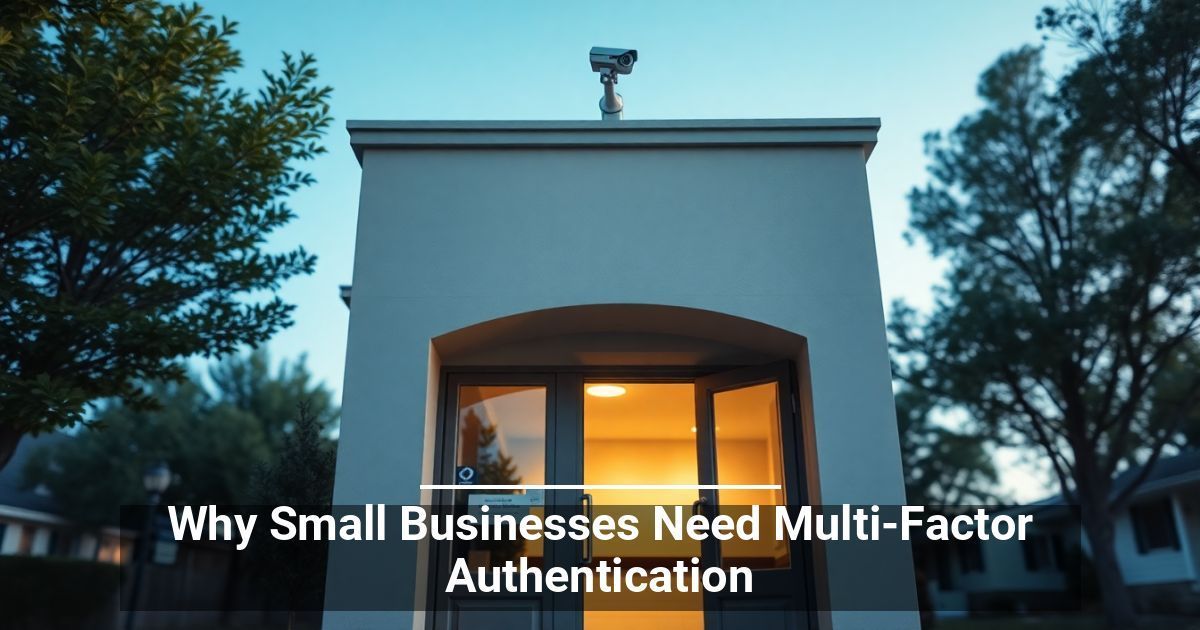
Think of MFA as having a bouncer at the door of your business accounts who makes it harder for hackers to gain access. Even if someone shows up with your password, they still have to prove who they are. Most attackers give up at this point because it’s just not worth the hassle.
Whether you’re logging into your email, managing your team’s digital marketing efforts, or accessing your business’s cybersecurity solutions, MFA adds peace of mind. It’s a simple step with a big impact, especially for companies that can’t afford a major data breach.
Enhance Protection and Trust With This Simple Tool
When customers give you their information, they trust you to keep it safe and secure. When a hacker gets those details — even just an email — it breaks trust that is hard (sometimes impossible) to regain.
Using MFA shows customers you take their privacy seriously.
MFA Is a Smart Move for Every Business
Hackers don’t always go after big corporations. They often see small businesses as easier marks. That’s why small businesses need multi-factor authentication: to level the playing field and protect what they’ve worked so hard to build.
MFA is one of the simplest and smartest cybersecurity upgrades you can make. MFA is a simple, smart cybersecurity upgrade. It’s affordable, easy to implement, and shows hackers you mean business.
Used with permission from Article Aggregator