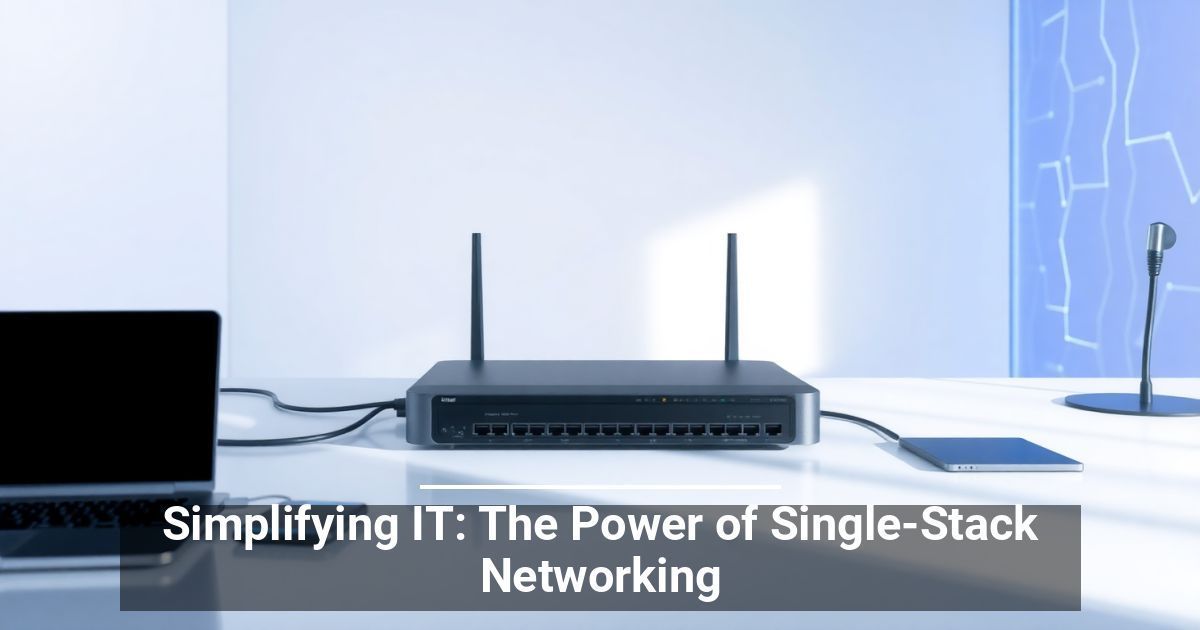
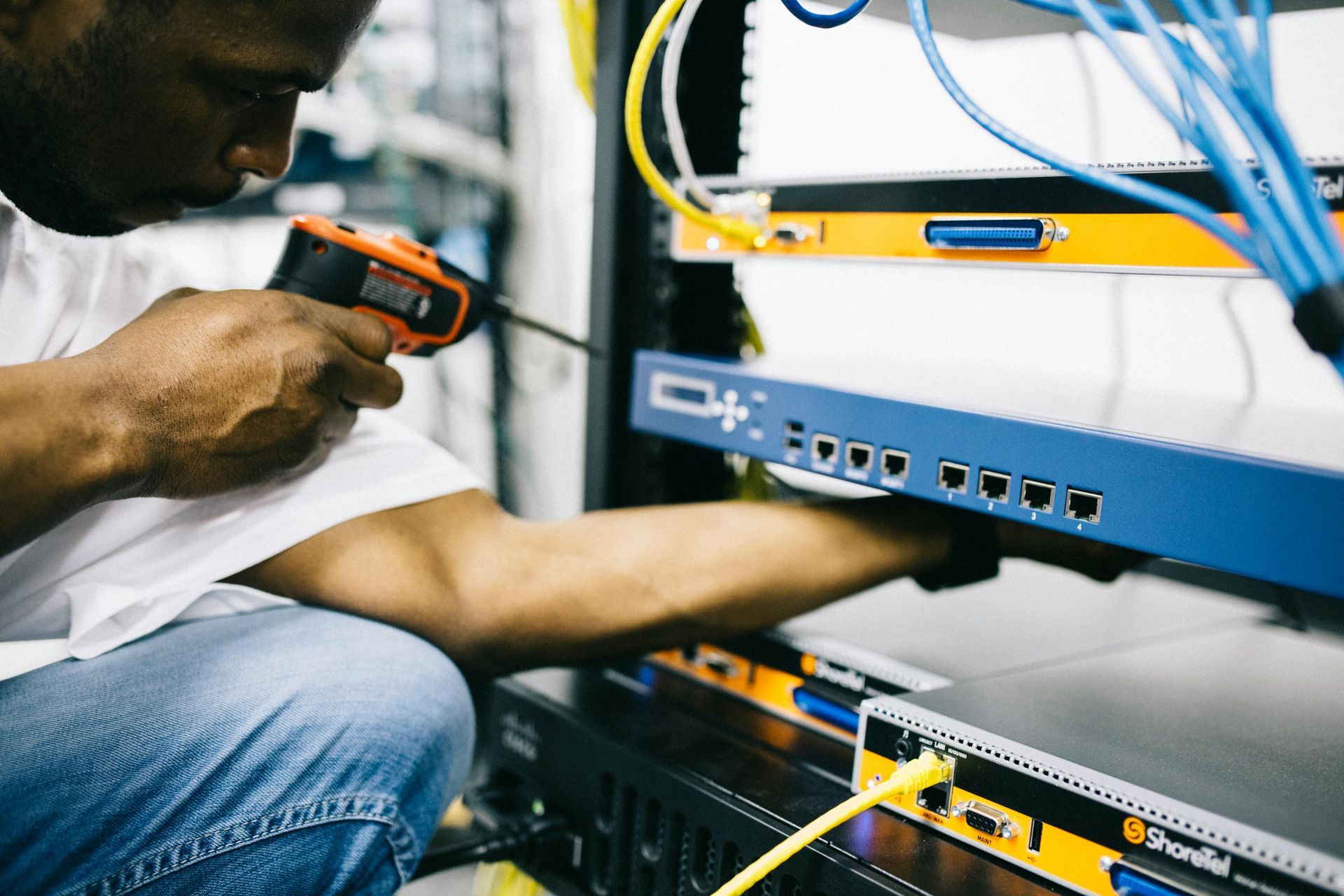
Everything a business does converts to data, from buying and selling products and services to collecting customer information and market research that helps the company make informed decisions. The company stores this data in databases, hard drives, and other hardware and software that need protection against viruses and hackers. Complex data silos, unfortunately, lead to more problems; single-stack networking can help fix them.
How Tech Silos are Threatening Companies
Tech silos get their name from farming silos that isolate grass and grain from the natural elements. In the same way, the former includes an isolated system or process that doesn’t comply with other parts of the organization. This separated department may have different operational processes, which leads to a lack of coordination and less organization between the departments.
Therefore, silos can prove problematic when it comes to protecting company data since the data that travels to and from it are not protected as they would be with single-stack networking. Instead, the data leaves one safeguard area before entering another, which puts it up for grabs for unauthorized third-party viewers during data transfer. But how do silos develop?
The Development of Silos and the Problem With Silo Security Tools
As security frameworks become more complex and workspaces expand to remote locations, many more attack surfaces develop, putting company data at risk. From on-site devices like desktops to cloud-native applications, all appliances need protection. Still, many companies use siloed security tools that leave areas vulnerable due to security gaps.
That’s because siloed security tools all have different rules and processes for dealing with applications, data, and networks, creating discrepancies and confusion among IT teams. This also reduces the effectiveness of attack detections and slows response times. So, how can single-stack networking help make this a thing of the past?
How Is Single-Stack Networking Different?
Unlike siloed security tools, a consolidated IT infrastructure uses an IPv4 or IPv6 format to ensure that all features come from the same system, resulting in fewer rules and more uniformity across platforms.
Therefore, this more central virtualization technology protects data that travels from one location to another since all locations are safeguarded under the same tool rather than individual, unsynchronized ones.
Single-stack networking simplifies and simplifies network management. It also makes it easier to implement networking solutions, such as applying network-wide policies that keep the company up to date.
Because it uses a single framework, the system company's IT teams can maintain, develop, and manage all platforms simultaneously, increasing operational efficiency and cost-effectiveness while helping pinpoint, assess, and deal with security threats and breaches.
Single-stack networking combines Software-Defined Wide Area Networks (some companies use them alone) and a supporting cloud computing architecture. Together, they provide operational gains that any company can benefit from. So, as your company grows and employees work from different, remote locations, consider single-stack networking for optimal safety and security.
Used with permission from Article Aggregator