Quick: Can you name the biggest cyber threats to your business?
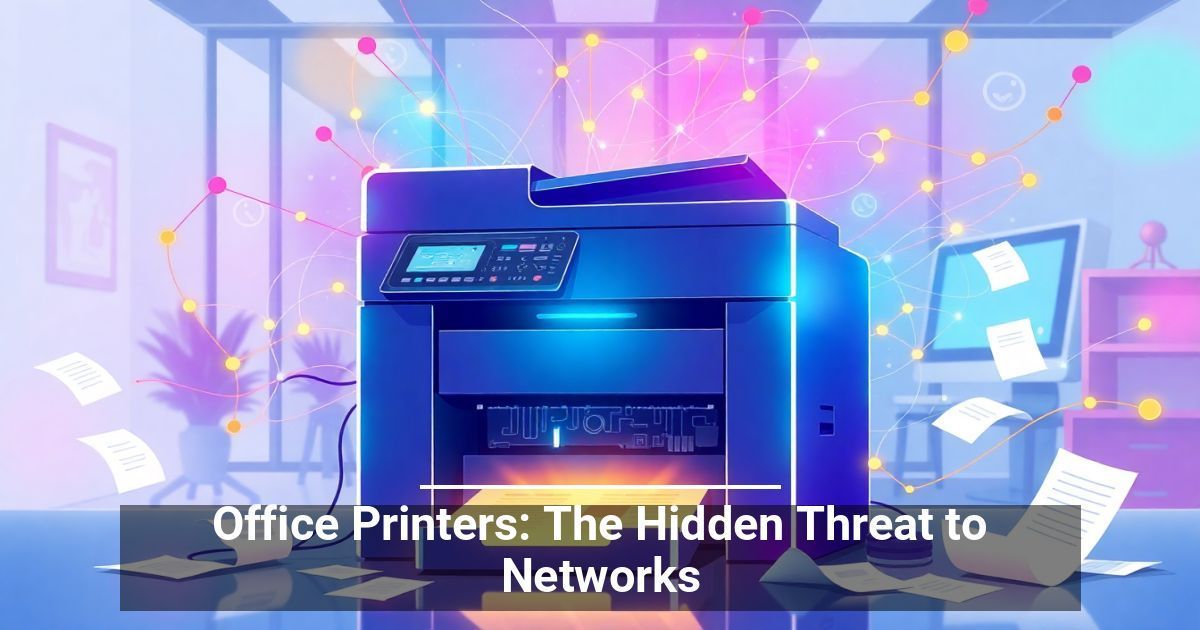
If you mentioned things like phishing and poor password management, you’re on the right track. But there’s another common threat that many people don’t even think about when they try to keep the bad guys out: office printers.
That’s right. Even while your company invests in firewalls, antivirus tools, and employee training, printers fly under the radar without anyone really giving them a second thought. But according to a new report, that oversight could put your entire network and its data at risk.
How Office Printers Become Easy Targets
Most business owners don’t think about office printers as anything other than a tool for producing documents. However, the modern printer is a fully connected device that can do a lot more than create signs asking people to wash out their coffee mugs. In a way, they’re like mini-computers, and like any computer, they are hackable.
That’s because most companies don’t secure printers with updated firmware and strong passwords. Once hackers get into a printer, they can use it as a backdoor into your company’s larger network and potentially compromise every device connected to your network.
Security Risks You Can’t Afford To Ignore
What risks do unsecured office printers pose?
- Network security threats: Hackers can use unsecured devices to launch attacks on the rest of your IT infrastructure.
- Data breaches: Hackers can intercept or steal sensitive documents, such as employee records or client contracts, that you send to the printer.
- Unauthorized access: Bad actors can remotely gain control of the printer, allowing them to spy on what you print or even alter files.
- Print server risks: A compromised print server can disrupt operations, delay workflows, or even infect other devices with malware.
The Firmware Factor: Why Updates Matter
According to an HP Wolf Security report, only 36% of businesses apply printer firmware updates as soon as they’re released. That’s a huge problem that’s akin to locking the front door but leaving a window wide open.
Firmware updates enable manufacturers to address known security vulnerabilities. Skipping an update basically invites cybercriminals to walk right in, because they don’t have to search for new vulnerabilities to exploit. They already know where the holes are.
Don’t Let Your Printer Be the Weak Link
If you haven’t thought about your office printer in a while, now’s the time. You can follow a couple simple steps to help lock things down and eliminate printer vulnerabilities:
- Update the firmware: Check for current releases and then schedule updates or enable automatic ones if available.
- Change default passwords: Default settings are easy to guess, so create strong, unique passwords.
- Limit access: Restrict who can access the printer, especially remotely.
- Monitor usage: Watch for unusual print jobs or network activity.
- Work with IT: Loop in your IT team to treat office printers like any other endpoint in your security strategy.
Office printers are helpful, but they’re not harmless. They can be a threat to your network if you fail to protect them. Take simple steps now to prevent unauthorized access, protect data, and stay a step ahead of cybercriminals.
Used with permission from Article Aggregator