As if managing staff, serving customers, and growing your brand didn’t already eat up your time, there’s still that one relentless task every business owner has to face: bookkeeping. And let’s be real: You didn’t start your business to swim in spreadsheets.
If you’re tired of juggling receipts, reconciling accounts, and second-guessing your math, you’re not alone. The good news? Accounting software can take a ton of that stress off your plate.
Modern accounting software brings structure and sanity to your finances. It automates repetitive tasks, organizes your data in one place, and allows you to spend more time running your business, rather than just managing its paperwork.
No More Searching for Receipts
Every dollar matters, especially when you're building something from scratch. But expense tracking can quickly spiral into chaos if you’re relying on memory or a pile of old receipts stuffed in a drawer.
With accounting software, you don’t have to play financial detective. Purchases are automatically categorized, synced with your bank, and searchable whenever you need them. You can even take photos of receipts and upload them on the go.
That means fewer surprises, better decisions, and a whole lot less clutter.
Automated Invoices Get You Paid Faster
Chasing down payments is uncomfortable and time-consuming. Automated invoices make it easier to maintain a healthy cash flow without being the bad guy.
Accounting software lets you generate accurate, professional invoices with just a few clicks. Set them to go out on schedule, add recurring billing if needed, and let automatic reminders do the nudging. It’s one less thing to track and one more way to ensure timely payment.
Financial Reporting Without Confusion
Are you trying to gauge your profits with an outdated spreadsheet? That’s a recipe for unnecessary stress.
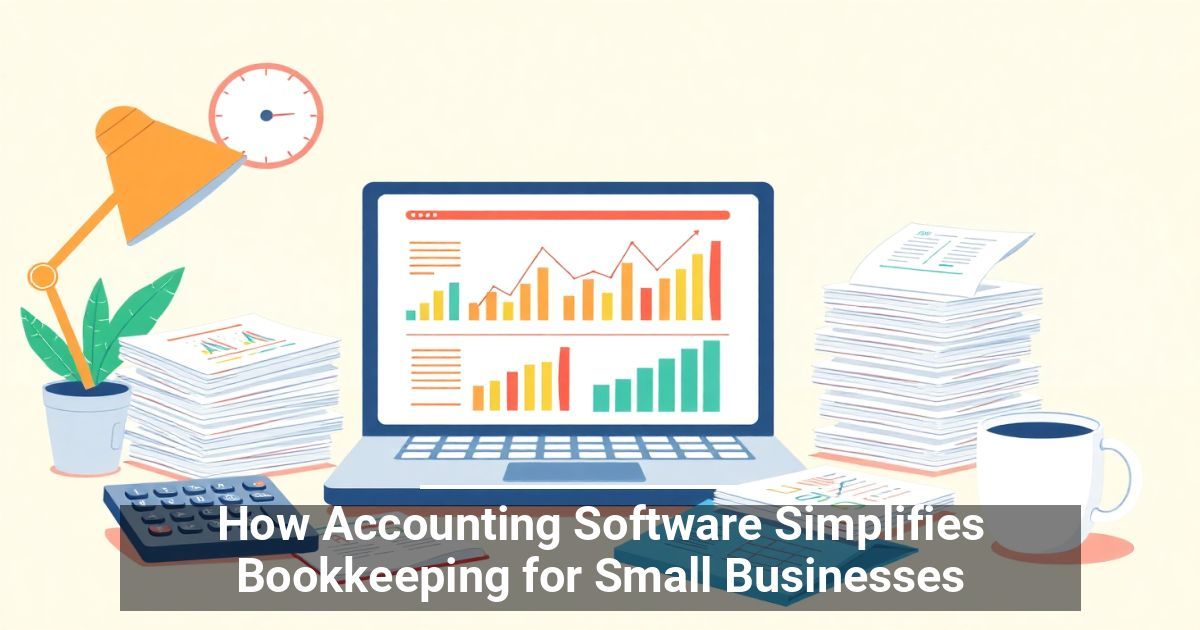
With financial reporting built into your software, you get real-time income statements, balance sheets, and cash flow summaries anytime you need them. No manual math, no scrambling. Just clear, current numbers that help you understand what’s working and what’s not.
Smooth Ledger Management and Accurate Tax Calculations
Keeping your ledger clean is essential, but manually entering and cross-checking every transaction is a tedious and time-consuming task.
Let your accounting software handle the ledger management behind the scenes. It tracks transactions, flags issues, and reduces errors.
Plus, when tax season rolls around, you’re not starting from scratch. Your income and expenses are already organized, which makes tax calculations quicker, easier, and less painful, not to mention less likely to get you into hot water with Uncle Sam.
Enjoy More Time for What Matters
At its core, investing in accounting automation software eliminates repetitive and time-consuming tasks, allowing you to focus on growing your business. Whether you're sending out invoices, generating reports, or keeping tabs on expenses, software does the heavy lifting for you.
It also means you don’t have to be a numbers expert to keep your business financially sound. If bookkeeping keeps you up at night, it might be time to explore what upgraded accounting software can do for your business.
Used with permission from Article Aggregator