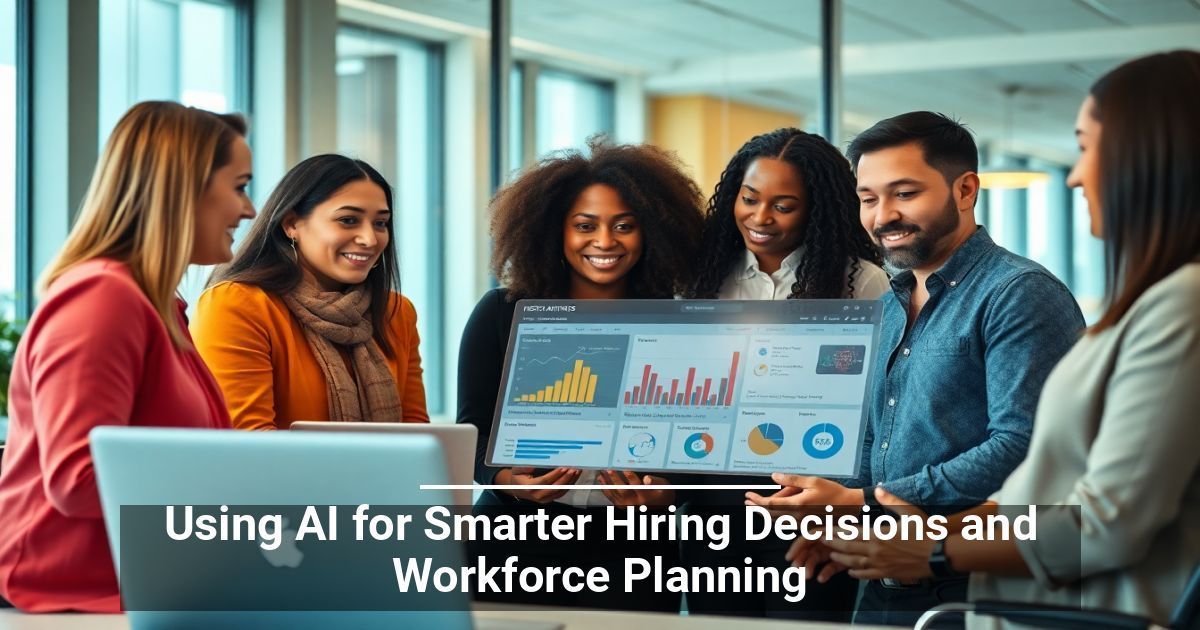
What if you could find and build stronger teams in less time? Modern AI hiring tools are transforming the way businesses find and retain talent. Keep reading to learn more.
What Are the Gaps in Traditional Workforce Planning?
Typical talent management strategies come with many inherent challenges, including:
- Unconscious bias: Human discernment has its limits. Hiring and promotion often rely on subjective evaluations.
- Slow decision-making: With recruiters bogged down by manual processes, delays are inevitable. This can frustrate candidates and lead to great talent slipping through the cracks.
- Limited data utilization: HR teams receive dozens, sometimes hundreds, of applications daily and often lack the tools to scrutinize them efficiently.
- Inaccurate skill matching: Keeping track of how employees are growing can feel overwhelming. Companies often struggle to identify growth opportunities and areas for improvement.
- High turnover rates: It’s easy to miss the early warning signs of employee disengagement without predictive analytics.
Revolutionizing Recruitment With AI Solutions
When implemented properly, AI hiring tools can streamline recruiting at every stage. Here’s how:
- Resume screening and candidate ranking: AI analyzes information at scale to narrow the list of applicants who best match roles based on their skill set, experience, and qualifications.
- Administrative support: Modern chatbots and assistants free up your recruitment team’s time for more important tasks. They can handle simple inquiries, schedule interviews, and keep potential hires engaged with fast responses and real-time updates.
- Predictive hiring: Feed relevant historical hiring data to machine learning algorithms, and they can determine which candidates will succeed in a role.
- Streamlined outreach: Some companies now use generative AI to create enticing job descriptions, personalized emails, and employer-branded content to attract top talent.
- Interview automation and analysis: Sophisticated tools can analyze the most minute details, from nonverbal cues to speech patterns, to lend insights into a particular candidate.
A Practical Guide to Adopting AI in Talent Acquisition
Meticulous planning and slow, deliberate steps lead to better results:
1. Define Your Goals
Which areas would benefit most from automation? Is it streamlining the screening process or improving candidate engagement? Focus on specific pain points instead of stretching resources too thinly at the start.
2. Account for Your HR Systems
AI tools should seamlessly integrate into your existing workflow, from applicant tracking to relationship management. A smooth flow of data across systems makes AI-driven insights easier to act on.
If full compatibility is impossible, start with partial integrations.
3. Preserve the Human Element
What’s the role of recruiters in this technologically driven process? AI excels at generating possible recommendations, but you need specialists to evaluate details like cultural fit and soft skills.
4. Refine Your AI Software
AI learns from the information you provide, and not all data is accurate and bias-free. Regularly review and update your models so outcomes align with your hiring objectives and company values.
Empowering Your Hiring Process for the Future
From job fit analysis to effective engagement, AI hiring tools can help refine every step. Adopting it sooner rather than later will help your establishment stay ahead of the curve.
Used with permission from Article Aggregator