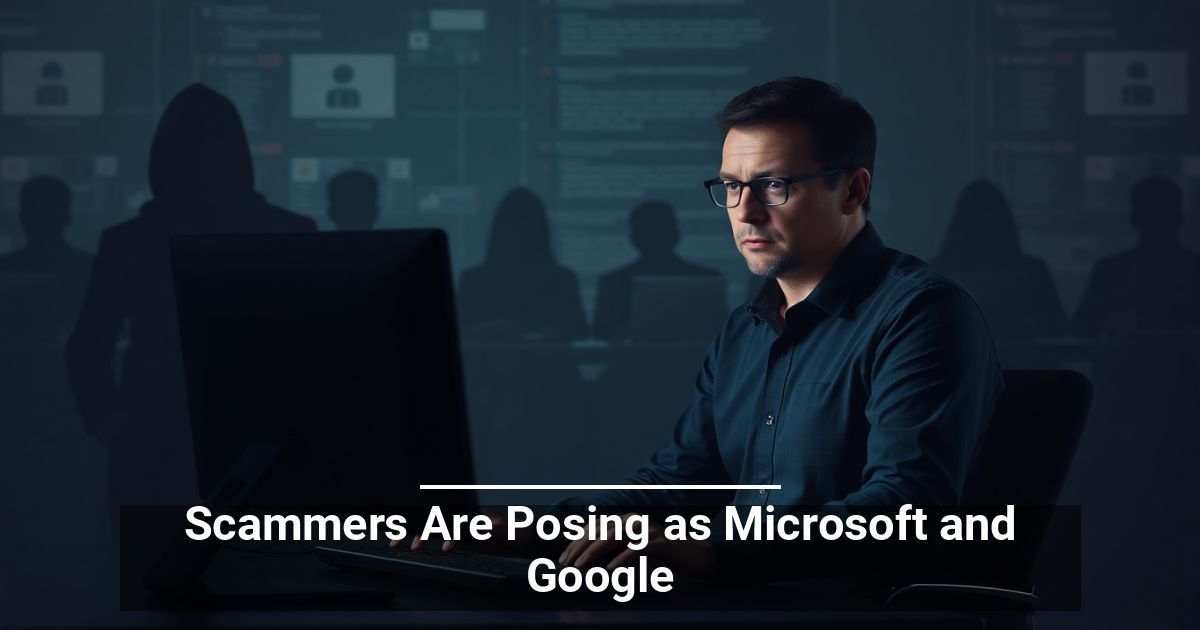
Could you or your staff reliably spot a scam disguised as a legitimate message? Scammers are getting smarter and targeting establishments just like yours. Keep reading to learn more.
How Recognized Brands Are Becoming a Threat Actor’s Best Tool
Have you noticed how certain brands instantly make you feel at ease? Many industry giants dominate our daily operations and build trust effortlessly — cybercriminals know this and use familiarity to craft sophisticated phishing attacks.
Watch out for emails or messages from Microsoft in particular. A study by Check Point shows that scammers impersonate this brand the most, making up 36% of observed brand-related social engineering attacks in 2025’s first quarter. Google and Apple follow behind at 12% and 8%, respectively.
This means over half of all identified attacks (56%) have posed as one of these three brands.
Mastercard Users Beware
There’s also a recent spike in cybercriminals impersonating Mastercard. Fraudulent campaigns have targeted mostly Japanese users through fake login pages.
These websites mimic genuine platforms and trick people into sharing card numbers, CVVs, and other sensitive financial details. Always verify website URLs, and it never hurts to contact customer support when any doubt remains.
What Exactly Are Phishing Attacks?
Phishing is a type of cyberattack that tricks you into giving away sensitive information. For example, scammers might pose as a bank representative or supplier and ask for payment on a fake invoice.
Another common tactic is sending links to carefully crafted websites. Any login details entered there could be stolen.
How To Defend Your Business Against Branded Phishing Attacks
Why wait for your company to become a target? Follow these steps to minimize risks:
Strengthen Cyber Awareness Across Your Organization
Train your team to recognize fake email addresses, suspicious links, and unsolicited requests. Drill the importance of using strong passwords, avoiding public Wi-Fi for sensitive work, and reporting unusual events.
It’s also worth creating workshops and phishing simulations to help keep everyone sharp. Practical sessions build confidence and reduce mistakes.
Employ Anti-Phishing Measures
Even the most vigilant individuals can still occasionally fall victim to sophisticated attacks. Modern technology can pick up the slack. Common software solutions include:
- Filters that automatically remove phishing email impersonation messages or deceptive requests
- Integrated anti-malware that scans incoming emails and attachments
- Link analyzers that prevent users from engaging with potentially harmful links
Create Incident Response and Recovery Plans
What if your team falls for a tech support scam or Microsoft impersonation fraud? The most successful companies have clear steps in place when the worst happens.
An effective response plan includes clear roles, quick communication, and real-time detection. Focus on isolating threats, mitigating damage, and restoring systems. Regularly update your plan, train your team, and create secure backups for smooth recovery.
Securing Your Establishment’s Future With Preparedness
Don’t wait until a Google account scam or similar threats disrupt operations. Scammers are evolving fast and use smarter tactics every day.
Business owners must stay alert and proactive. Protect your digital assets, educate your team, and update defenses regularly.
Used with permission from Article Aggregator